


HMI IRX – MultiCom
The IRX MultiCom HMI is a control interface that allows up to 16 IRX2 MAX or IRX2 MotorFix MAX drives to be controlled individually and/or collectively. It enables on/off control, fan speed adjustment, and activation of the water pump, drain, and swing/germicidal lamp, while the display provides visual indicators for the level sensor, drain, timer, ventilation, and other functions.
User guide
Control panel for variable speed drives for evaporative air coolers

Controls up to 16 drives individually or collectively
Activates functions of draining, fan speed, air swing or germicidal lamp

Remote monitoring with WebFi
HMI IRX MultiCom is a control interface compatible with the PRO and MAX versions of IRX2 and IRX2 MotorFix. It controls one PRO or up to 16 MAX version drives of both IRX2 and IRX2 MotorFix. With the MAX version, it is possible to control the drives individually or collectively, including on/off control, fan speed adjustment, and activation of the water pump, drain, and swing/germicidal lamp.
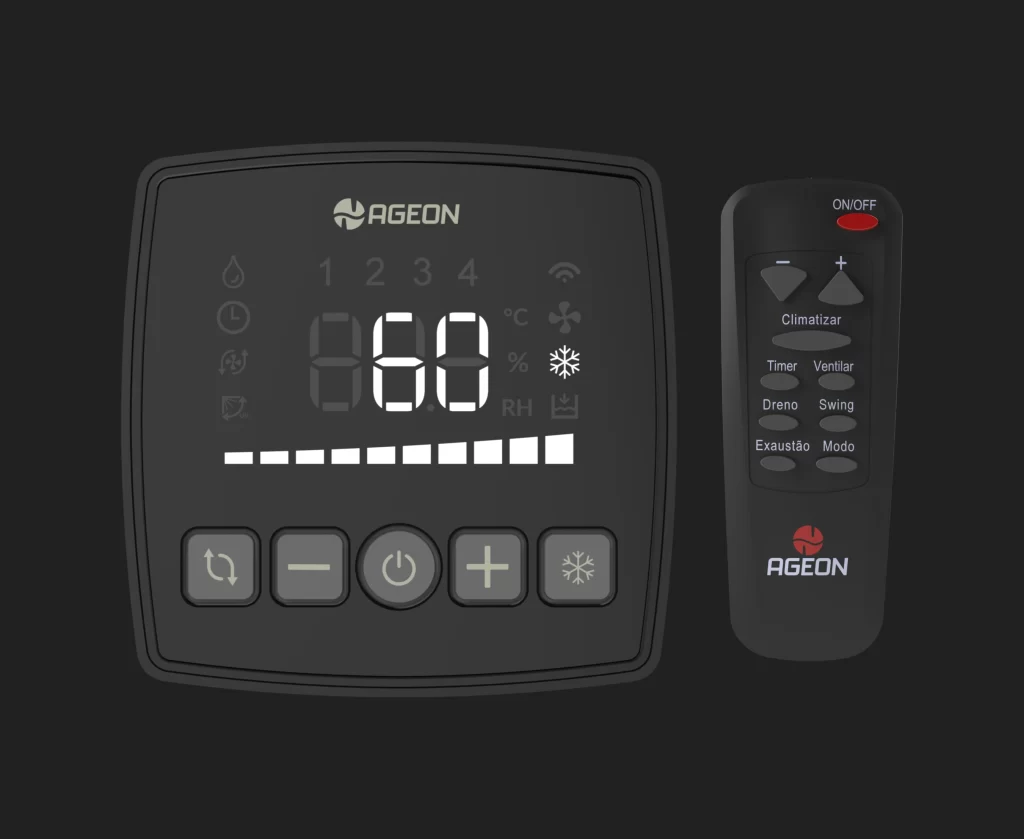
HMI IRX MultiCom is compatible with the IRX Line’s remote controller and has a USB Mini input for using WebFi, Ageon’s remote monitoring device. By combining IRX2 and IRX2 MotorFix PRO or MAX drives with MultiCom + WebFi, it is possible to monitor and control your drives with the FlowIRX app.
Power supply voltage: supplied through communication with the IRX (5 Vdc +/- 0,5 V);
Connection:
IRX: RJ45 connector;
WebFi: USB Mini
Operating conditions: 0 to 50 ºC/ 10 to 85 % RH (no condensation);
Protection index: IP20;
Compatibility: IRX2 PRO, IRX2 MAX, IRX2 MotorFix PRO and IRX2 MotorFix MAX;
Cable length: up to 50 m (CAT5e or CAT6e) and 5 m (USB cable).
Documents
HMI MultiCom User Guide (PT)
Download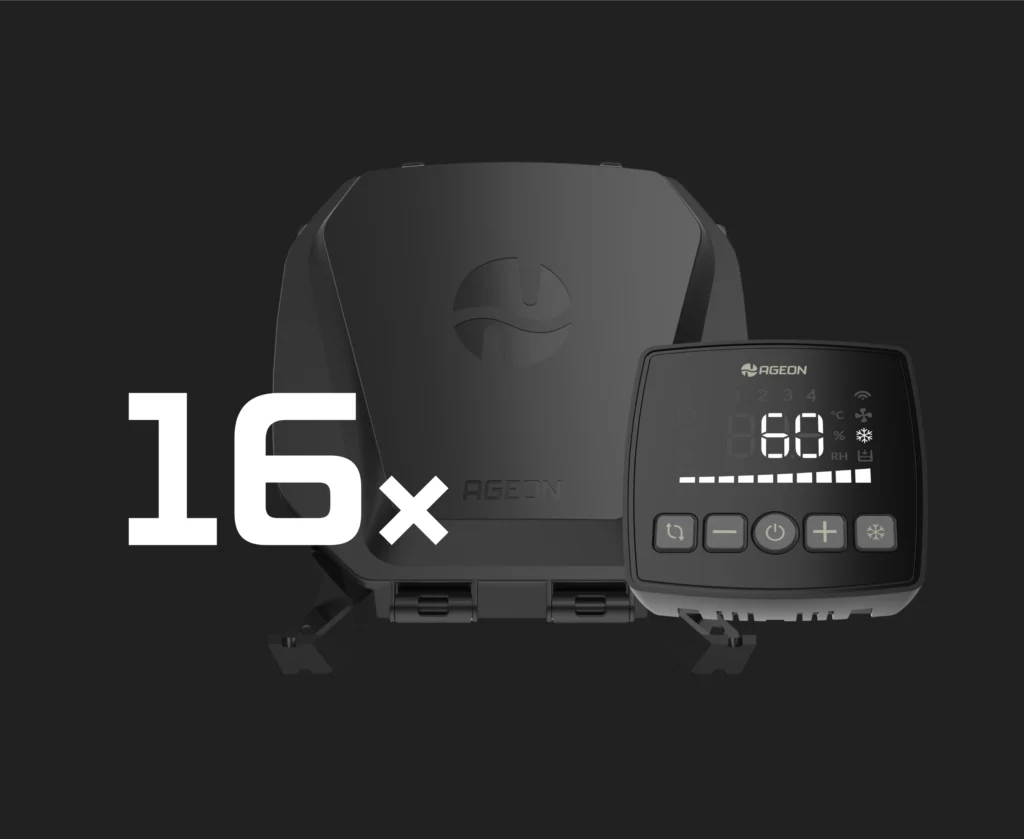
Control up to 16 IRX2 MAX or IRX2 MotorFix MAX drives
HMI MultiCom was designed for large projects that involve many drives. With MultiCom, it’s possible to control up to one PRO or 16 MAX version drives of both IRX2 and IRX2 MotorFix.
Compatible with the IRX Line remote controller
Combine the use of HMI IRX MultiCom with the remote controller of IRX Line for a more practical application.
RS-485 network connection
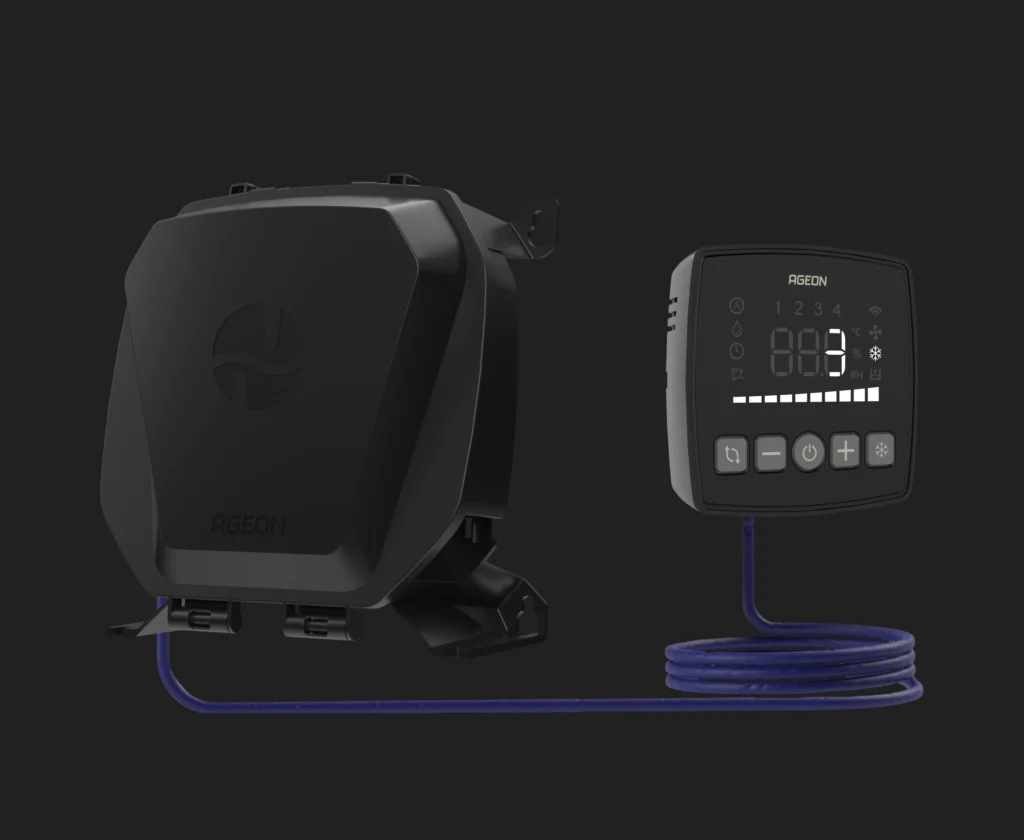
The inverters must be connected to the HMI in a daisy-chain configuration (in series) using CAT5e or CAT6 cables. At the end of the chain, the MultiCom is connected. This method significantly reduces the number of cables, conduits, and installation time compared to the use of multiple individual HMIs, providing a more efficient and cost-effective solution.
Monitoring with WebFi
HMI IRX MultiCom is compatible with Ageon’s web monitoring device, WebFi. The integration with WebFi offers the possibility of monitoring and controlling via the internet, managing your drives individually, collectively or by sectors.
The system provides functions such as activation scheduling, detailed error diagnosis, dashboards, history of events and sending alarms through e-mail.
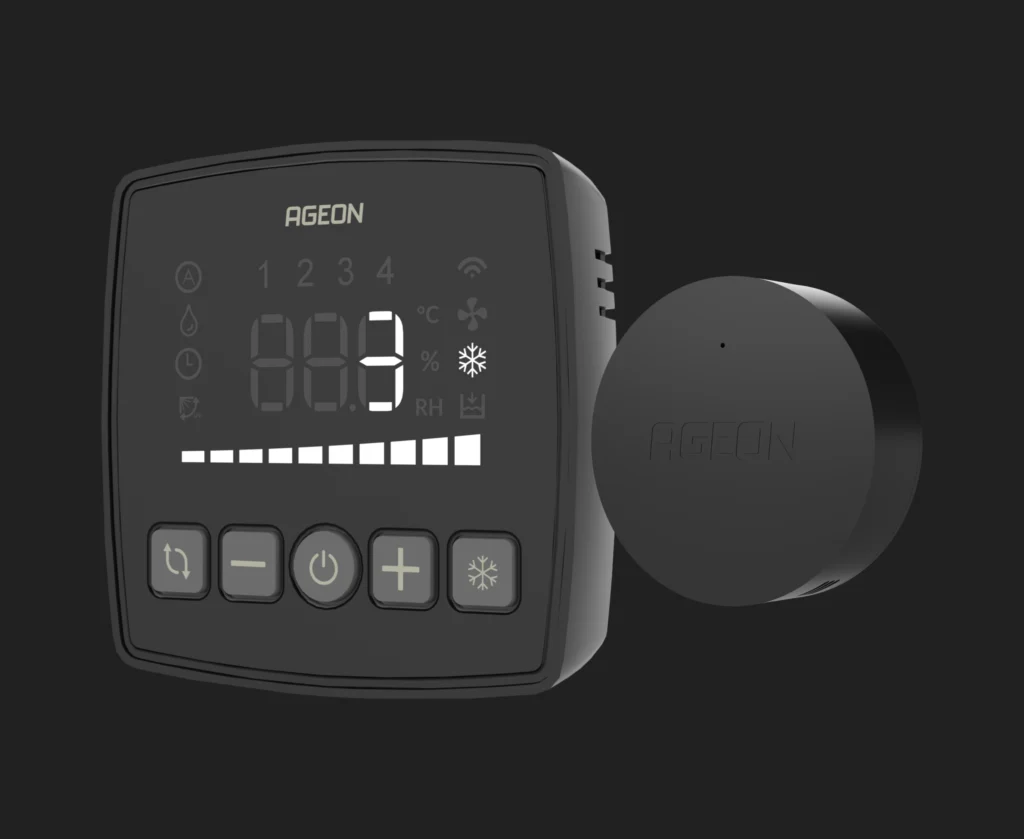
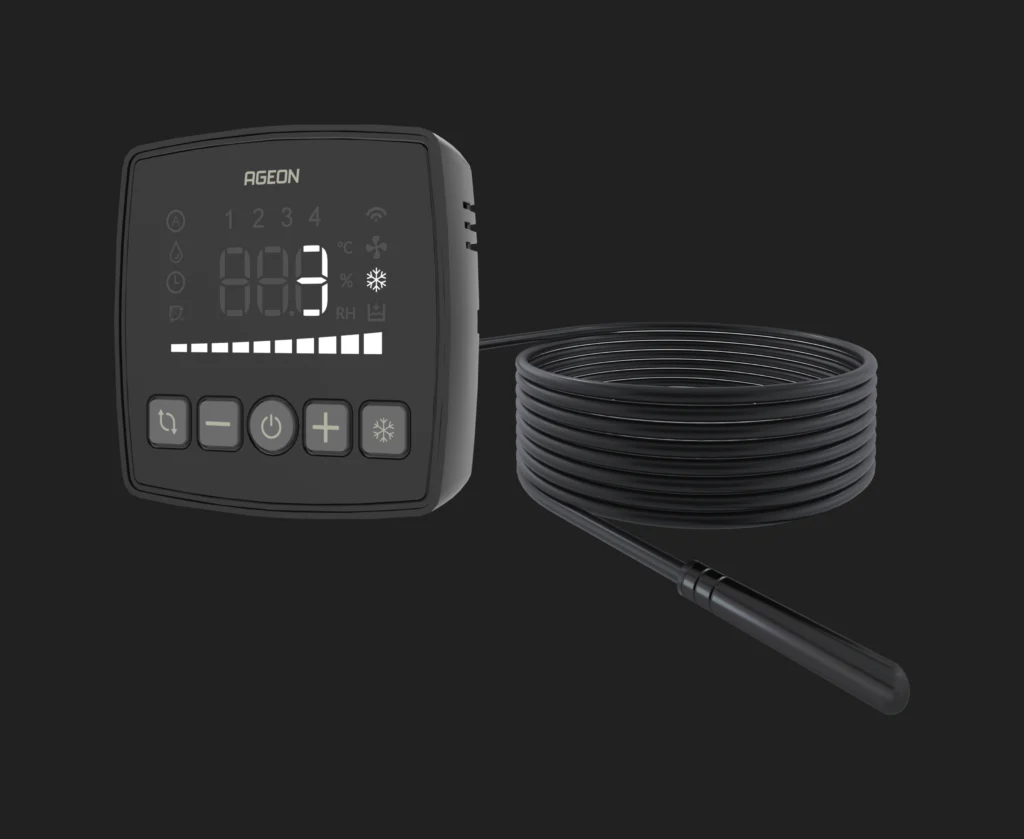
Automatic temperature mode
With MultiCom, greater thermal comfort and energy efficiency can be achieved thanks to its automatic operation, which turns the evaporative cooler on or off to reach the configured target temperature. When automatic mode is activated, the drives manage the systems efficiently, ensuring proper temperature control.
Frequently asked questions
The Multicom allows individual or group control of up to 16 inverters. It is compatible with the Ageon monitoring system, which enables operating schedule programming, real-time monitoring, report generation, and alerts in case of faults or parameter deviations. This makes the management of multiple HVAC units more efficient and centralized.
Multicom installation is simple and efficient. The inverters are powered normally, and an RS-485 network is installed using a daisy-chain topology, meaning each inverter is connected to the next one, with the Multicom positioned at the end of the network.
This configuration reduces cable usage, minimises the need for conduits, and eliminates the need for control panels to accommodate multiple HMIs, which would otherwise be required in a conventional installation without the Multicom.
To use the monitoring system with the Multicom, simply connect it to the WebFi and ensure that a Wi-Fi signal is available. Configuration is straightforward, and with operating schedules and automatic temperature-based mode, HVAC unit operation is managed automatically.
Whenever manual activation or parameter adjustments are required, they can be easily performed through Arcsys.cloud.
Yes, all HVAC unit functions are available through the Multicom. It is possible to control each unit individually or manage all units simultaneously, providing efficient management and greater convenience in the control and operation of multiple devices.