


WebFi Pro
Compatible with Ageon’s WEB devices WebFi Pro is compatible with all of Ageon’s WEB enabled products, allowing for monitoring and remote controlling of devices such as: SmartSet MAX WEB, SmartSet ONE WEB, TDA WEB, TDI WEB, Black Line, K116, and Multicom. Connection with up to 32 devices WebFi Pro connects to up to 32 controllers […]
User guide
The WebFi Pro enables both remote and local monitoring.

RS-485 connection for interfacing with monitored equipment.

Connection with up to 32 devices.

Remote access through Ageon’s Arcsys.cloud system.
WebFi Pro monitoring devices are designed for monitoring Ageon WEB-enabled equipment. This model differs from the standard WebFi by offering additional features and supporting connection to up to 32 controllers via standard RS-485 cable.
Configuration can be carried out using a computer or smartphone. For monitoring, there are two operating options: local access through a computer without internet connection, or connection of the WebFi Pro to a Wi-Fi network for remote internet access.
For web-based monitoring, it is necessary to create an account on Arcsys.cloud, the platform responsible for remote device access and alarm e-mail notifications.
Power supply: Powered directly by the monitored Ageon device;
Compatibility: Ageon controllers with USB communication port, Black Line, AutomaSol WEB, K116 BD, SmartSet ONE WEB, SmartSet MAX WEB, and IRX Multicom HMI;
USB connectors: One cable end with Mini USB for connection to the monitored equipment and the other end with USB-C for connection to the WebFi;
Dimensions: (55 × 55 × 20) mm;
Wi-Fi:
Standard: IEEE 802.11 b/g/n 2.4 GHz;
Protocol: IPv4 – DHCP or Static IP;
Wi-Fi transmission power: 11 dBm;
Bluetooth:
Standard: Bluetooth Low Energy (BLE);
IEEE standard: IEEE 802.15.1;
Version: 4.2;
Frequency: 2.4 GHz ISM band;
Transmission power: 0 dBm;
Security: AES-128 encryption;
Environment:
Storage and operating temperature: (0 to 40) °C;
Storage and operating humidity: (10 to 80) % RH (non-condensing);
System requirements for Bluetooth connection and WebFi Connect download:
Smartphones running Android Lollipop 5.0 (November 2014) or later, and iOS 12.4 (2018 – iPhone 5S and iPhone 6 models) or later.
Compatible with Ageon’s WEB devices
WebFi Pro is compatible with all of Ageon’s WEB enabled products, allowing for monitoring and remote controlling of devices such as: SmartSet MAX WEB, SmartSet ONE WEB, TDA WEB, TDI WEB, Black Line, K116, and Multicom.

Connection with up to 32 devices
WebFi Pro connects to up to 32 controllers via standard RS-485 cable using a daisy-chain topology (serial connection). This configuration enables efficient and organized monitoring of data and parameters across large projects or multiple applications.
Remote monitoring
WebFi Pro enables remote monitoring once configured with the local Wi-Fi network credentials. Data from connected controllers can be accessed in real time from anywhere through the Arcsys.cloud platform.
The Free Plan provides essential features, including reports with up to 30 days of history, making it ideal for basic monitoring needs. The Standard and Premium plans are designed for applications requiring extended data history (up to 2 years) and advanced features such as remote parameter adjustment and data sharing.
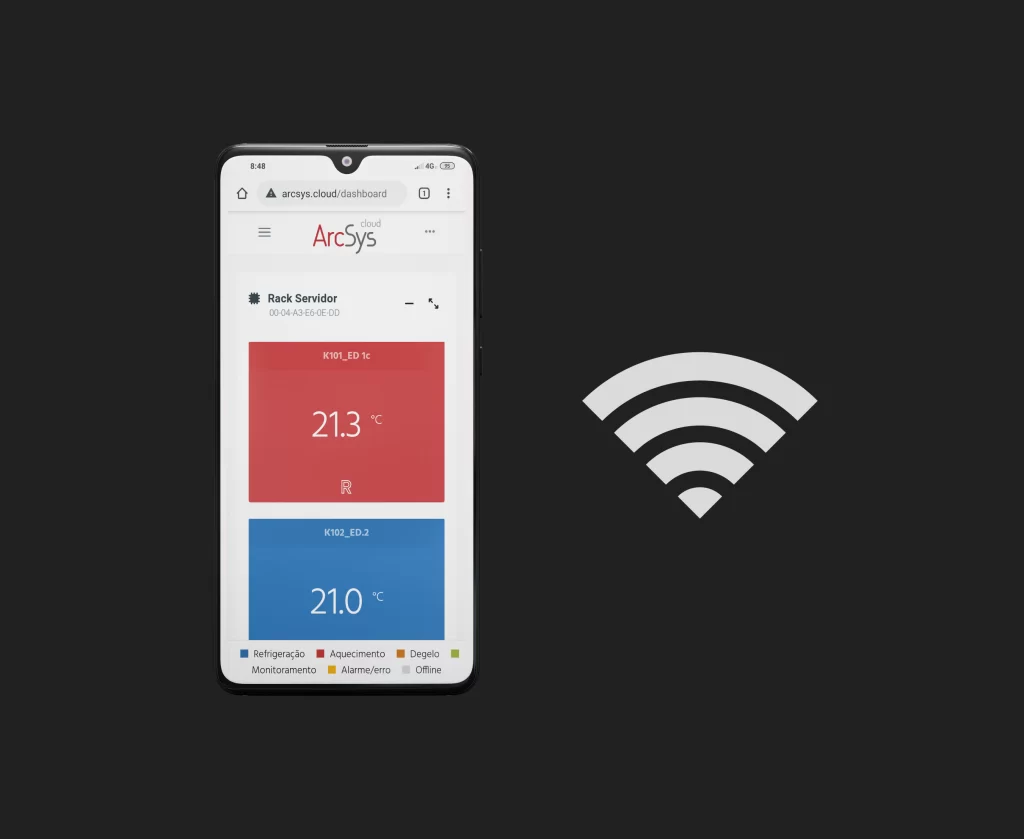
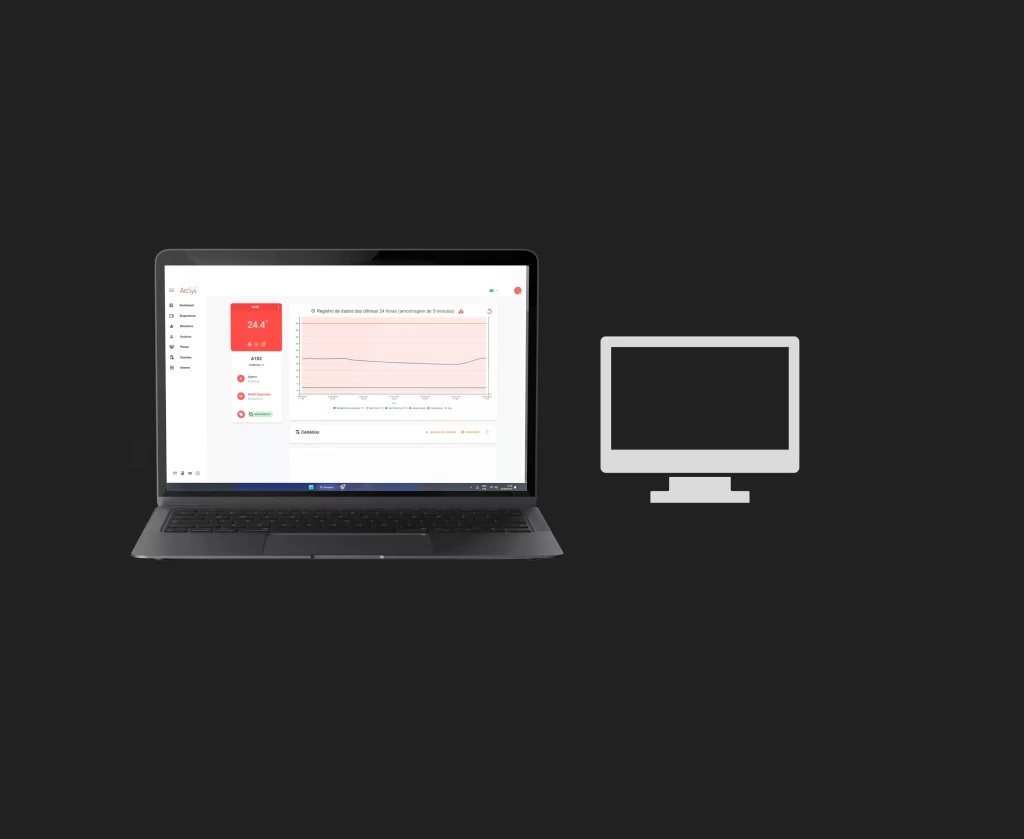
Standalone mode – LAN monitoring
When connected to a local network without internet access, the WebFi Pro operates in standalone mode, allowing local monitoring and control of connected equipment. In this mode, all functionalities remain available, and access can be made either through the local network or through the Wi-Fi signal generated by the WebFi Pro itself.
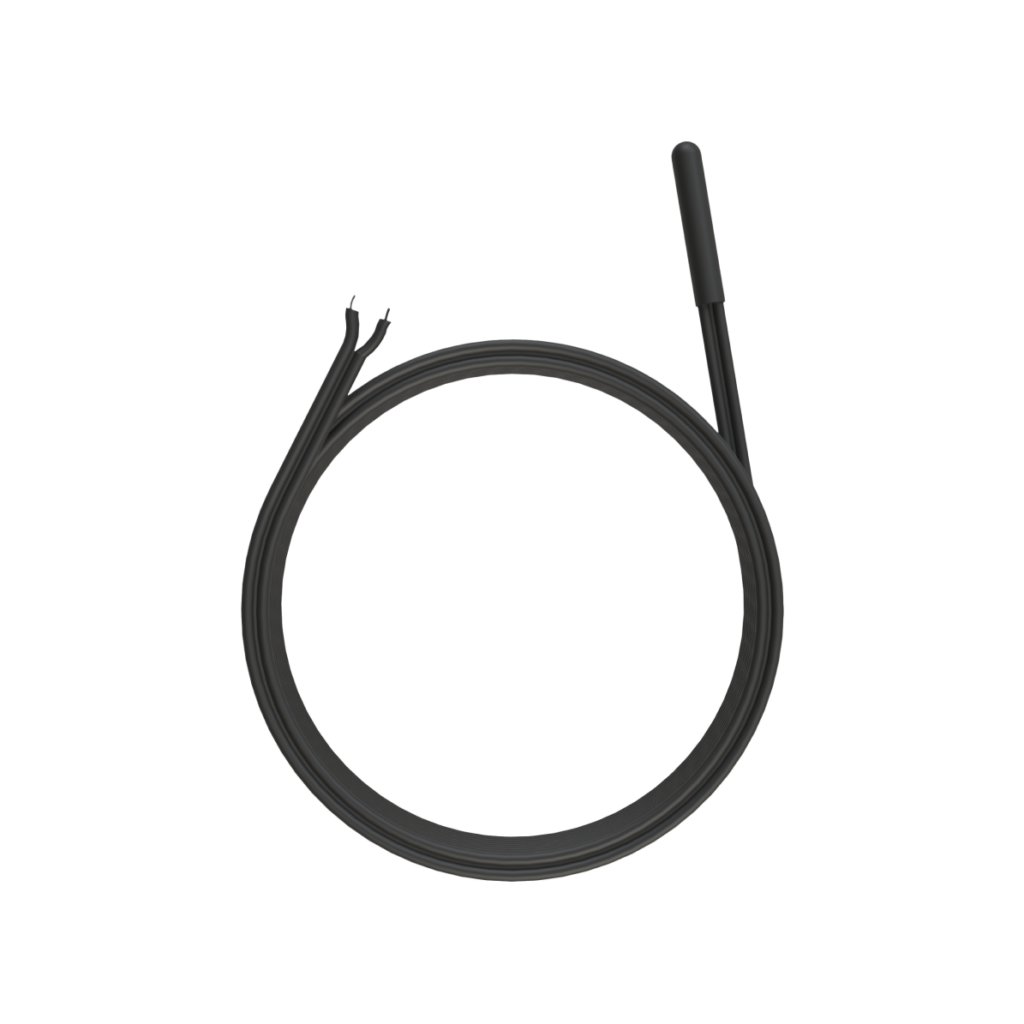
Three temperature sensors included
The WebFi Pro is supplied with three NTC 10k temperature sensors for ambient temperature monitoring, providing additional measurement points.
Quick and easy configuring
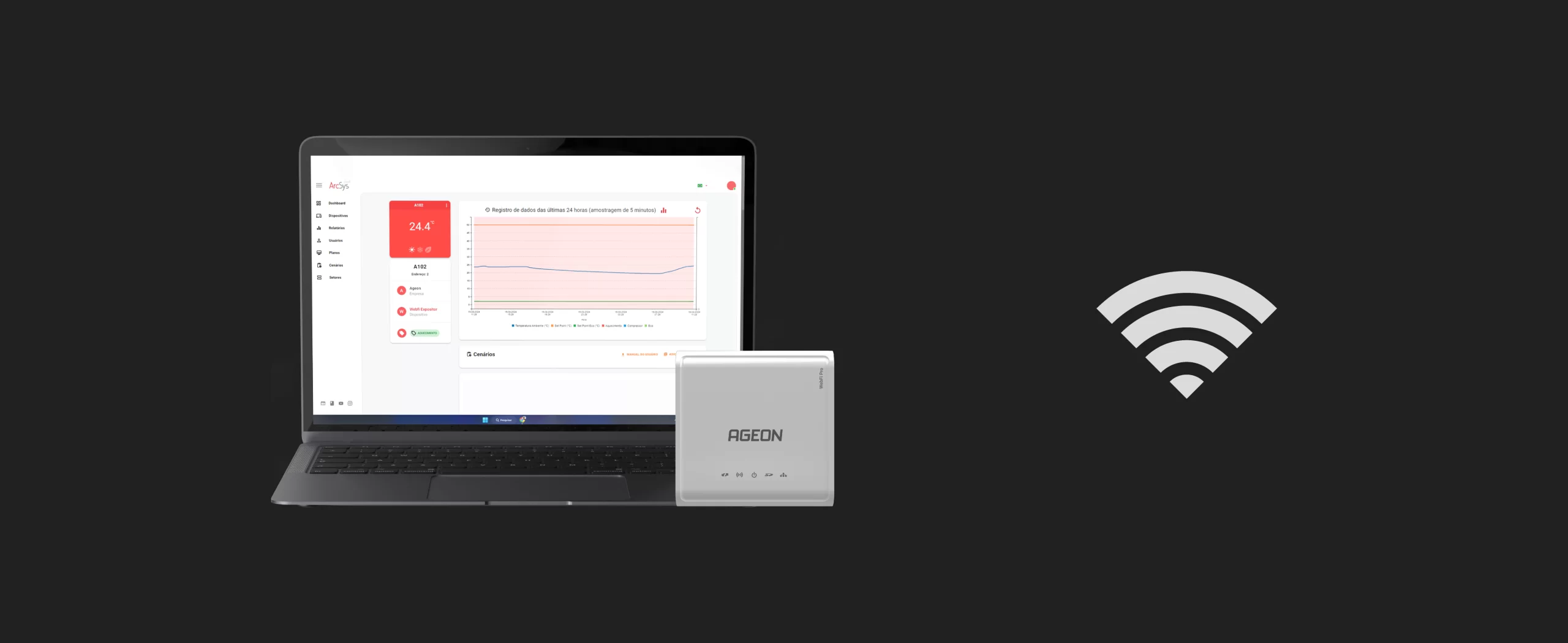
Configuring the WebFi Pro is quick and easy. The device generates its own Wi-Fi signal (hotspot), allowing any compatible device to connect directly to it. Then, simply enter the credentials of a Wi-Fi network with internet access to enable remote monitoring through Arcsys.cloud.
For local monitoring, configure the WebFi Pro according to your application requirements and access the system either through the local network or through the Wi-Fi signal generated by the device itself.
Frequently asked questions
With WebFi Pro it is possible to monitor up to 32 controllers, ensuring wide and efficient management for complex systems.
Yes, to access WebFi Pro’s data you only need to go to arcsys.cloud in any web browser and any device.
Yes, WebFi Pro allows real-time notifications for sensor faults and for minimum and maximum temperature limit violations configured in the controllers. When these limits are exceeded, you are immediately notified by e-mail (provided remote access has been configured through arcsys.cloud.
In addition, it is possible to monitor readings and the status of up to 32 devices in real time through a dashboard.
WebFi Pro is configured via Access Point mode, using a device capable of connecting to the Wi-Fi network generated by the WebFi Pro itself. After connecting, the device can be configured either for local-only access, without internet connection, or with the credentials of a Wi-Fi network to enable remote monitoring through Arcsys.cloud from anywhere using an internet-connected device.
The main difference is that WebFi Pro can monitor up to 32 controllers, includes 2 sensors for local measurements, and offers the option of local access without requiring an internet connection. The standard WebFi, on the other hand, monitors only one controller and requires internet access to operate.