


HMI IEX – A5W
HMI for treadmill panels The ideal solution for treadmill panels: A5W works as an interface between the user and the treadmill, ensuring efficient control and compatibility with the standard drivers of the fitness market. Two modes of communication A5W is used at its full potential when in conjunction with Ageon’s drivers, but it’s also compatible […]
User guide
HMI panel for treadmills

Compatible with other market standard VSDs

Display for heartbeat

Display for exercise speed in km/h
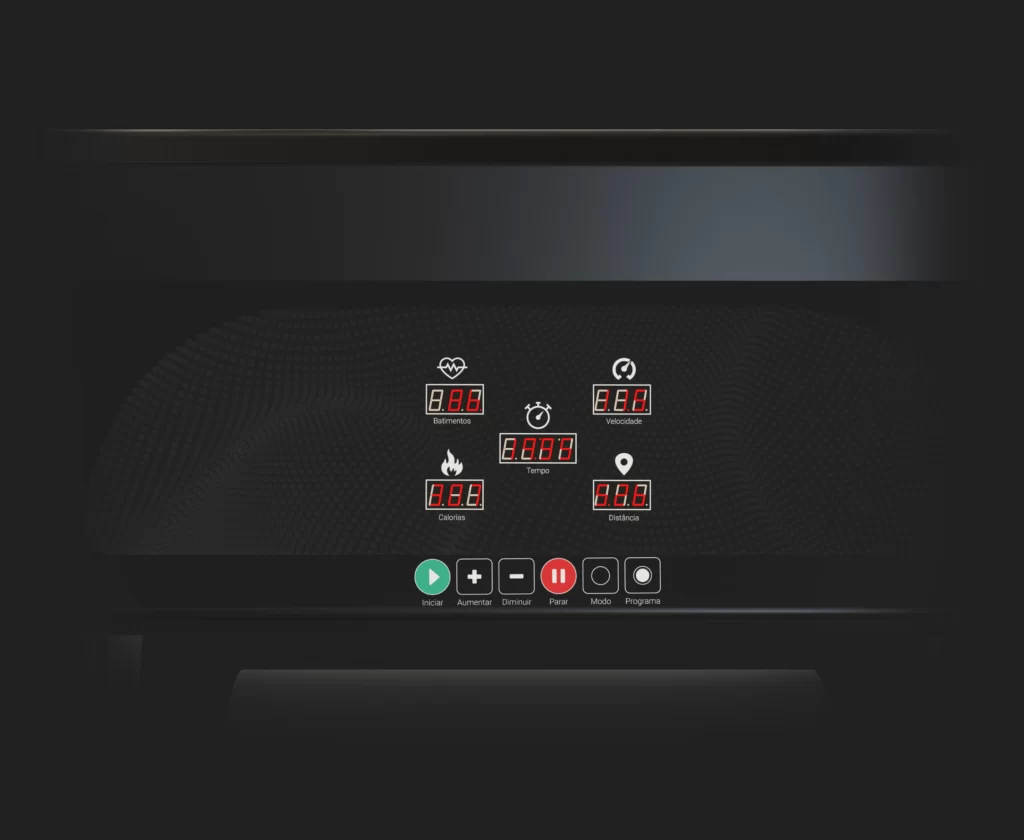
AW5 was projected to be installed enclosed in treadmills. The panel displays: time, distance, calories, speed, and heart rate. It also allows the user to switch between normal, countdown, or preset training program modes.
This HMI was constructed to operate in conjunction with Ageon’s driver, IEX70 PRO, though it is also compatible with the fitness market’s standard drivers that use frequency communication.
Power supply voltage: 5 Vcc (serial mode) and 12 Vcc (frequency mode);
Communication modes: Ageon serial and frequency;
Main board dimensions: (85 x 151 x 12) mm;
Keypad dimensions: (26 x 177 x 12) mm;
Cable length: 2 m.
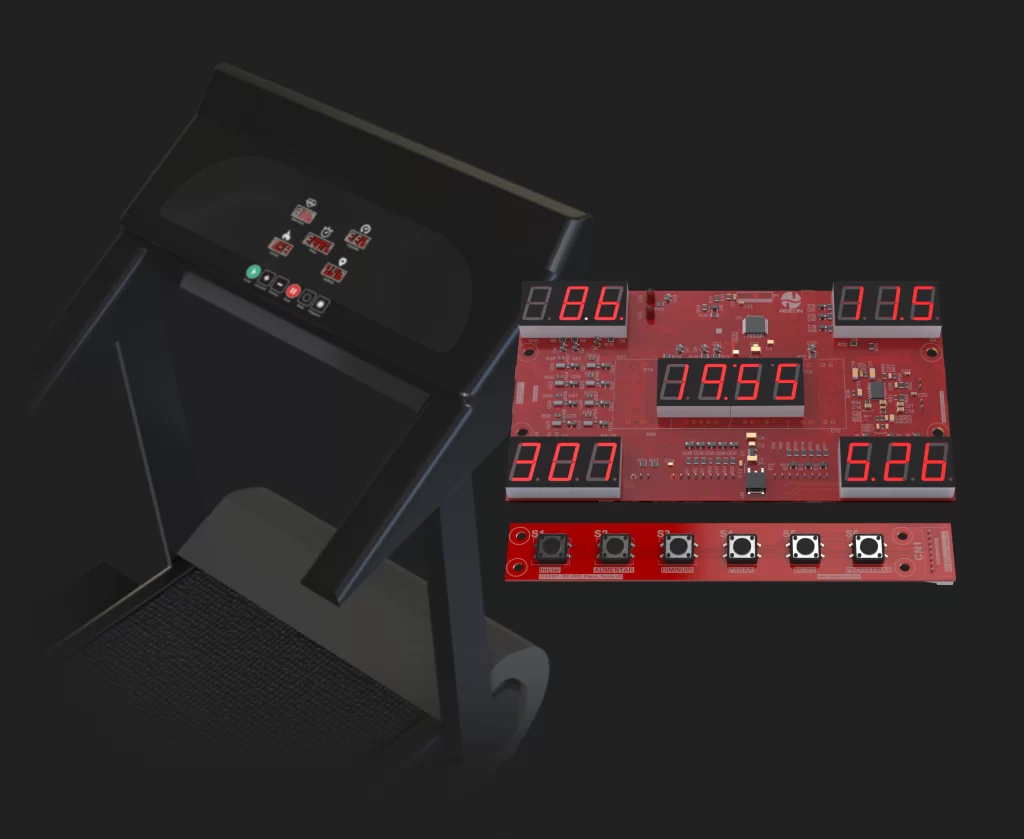
HMI for treadmill panels
The ideal solution for treadmill panels: A5W works as an interface between the user and the treadmill, ensuring efficient control and compatibility with the standard drivers of the fitness market.
Two modes of communication
A5W is used at its full potential when in conjunction with Ageon’s drivers, but it’s also compatible with other models from other brands. The HMI provides great flexibility for your application with its two modes of communication (Ageon serial and frequency).
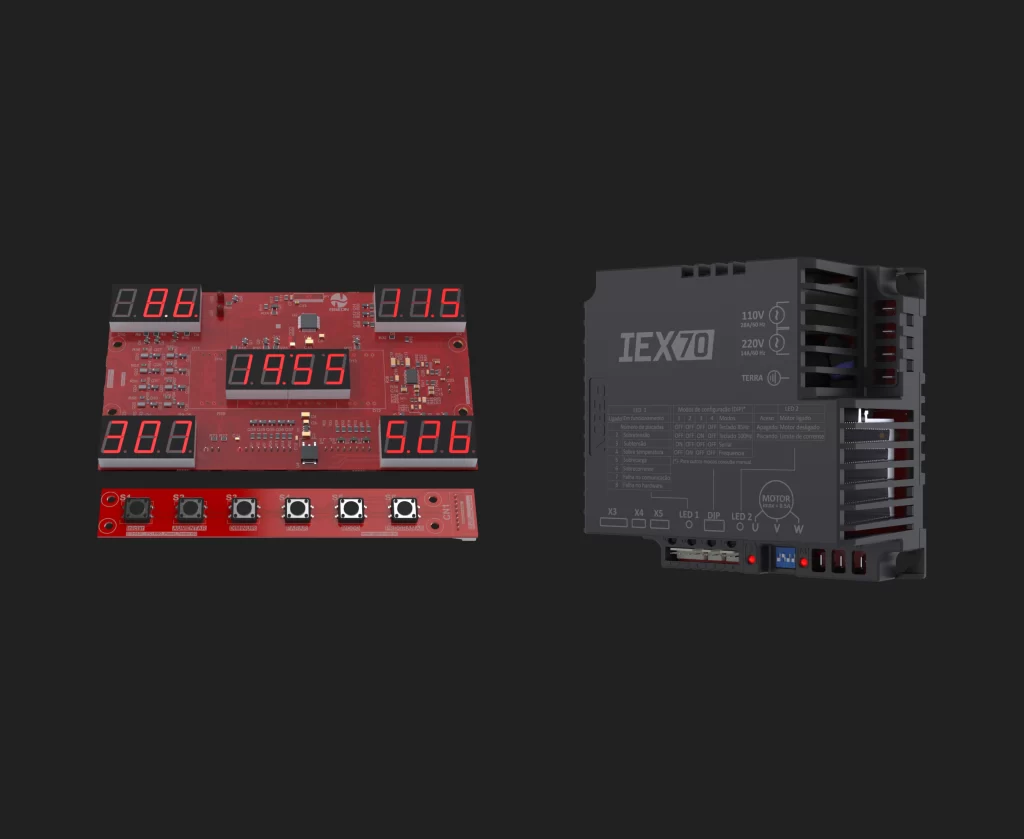
Display
The panel displays time, distance, calories, speed, and heart rate.
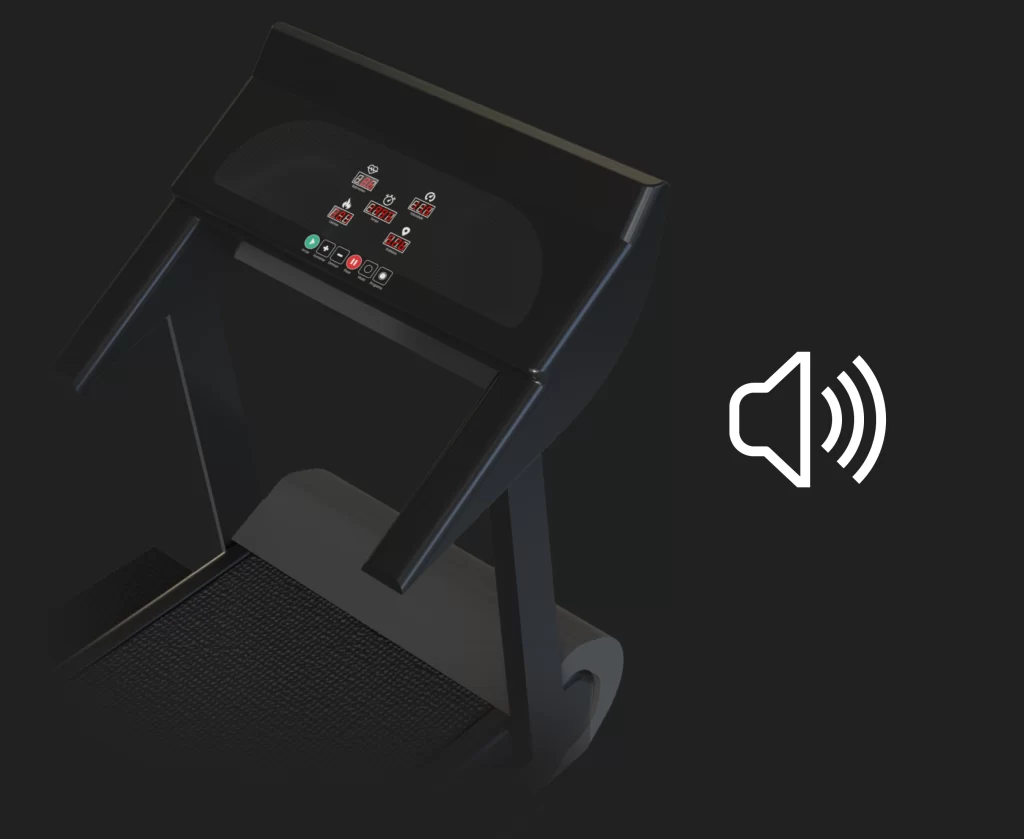
Sound alarm
It features a buzzer that emits audible signals to indicate board startup and the end of the exercise, improving user interaction.
Find more panel options for your treadmills
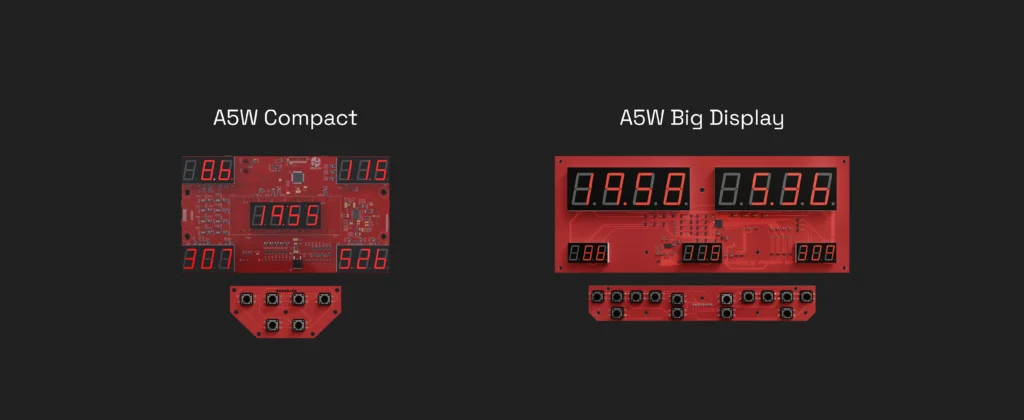
Discover other versions of the Ageon treadmill panel: IHM IEX A5W Compact (compact keypad) and IHM IEX A5W Big Display (enlarged display and keypad).
Frequently asked questions
The IHM IEX features 6 keys:
Start: turns the system on;
Increase: increases the speed or the configured value;
Decrease: decreases the speed or the configured value;
Stop: turns the system off;
Mode: switches between display modes (calories, time, or distance);
Programs: selects preset training programs.
Yes, the IHM IEX is compatible with frequency inverters that accept a frequency signal, allowing integration with different systems. However, when used with Aegon drivers, the HMI provides additional functions, such as access to advanced parameters.
Yes, the IHM IEX features a keypad separate from the display for easier operation. The keypad includes 6 easily accessible buttons, allowing navigation, parameter adjustments (when used with the IEX70 inverter), and activation of functions such as start/stop and reset.
The IHM IEX provides essential functions for daily use, including start/stop control, speed increase/decrease, and the display of data such as distance, time, and calories. When used with Ageon IEX70 drivers, the HMI also allows control of advanced parameters such as acceleration/deceleration ramps and torque compensation, providing greater customization and efficiency in treadmill operation.